
Choosing the Right Home Surveillance Setup

When it comes to protecting your property, choosing the right home surveillance setup is essential. Security systems have evolved significantly, offering a variety of options that can fit different needs and budgets. I want to guide you through the process of selecting a system that provides peace of mind and keeps your home safe.
Understanding Your Home Surveillance Setup Needs
Before diving into the technical details, it’s important to assess your specific needs. Every property is unique, and so are the security challenges it faces. Start by asking yourself:
What areas of my property need monitoring?
Do I want indoor cameras, outdoor cameras, or both?
How important is remote access to live footage?
What is my budget for installation and maintenance?
For example, if you have a large backyard or multiple entry points, you might need several cameras with wide coverage. On the other hand, a smaller apartment might only require a couple of strategically placed cameras.
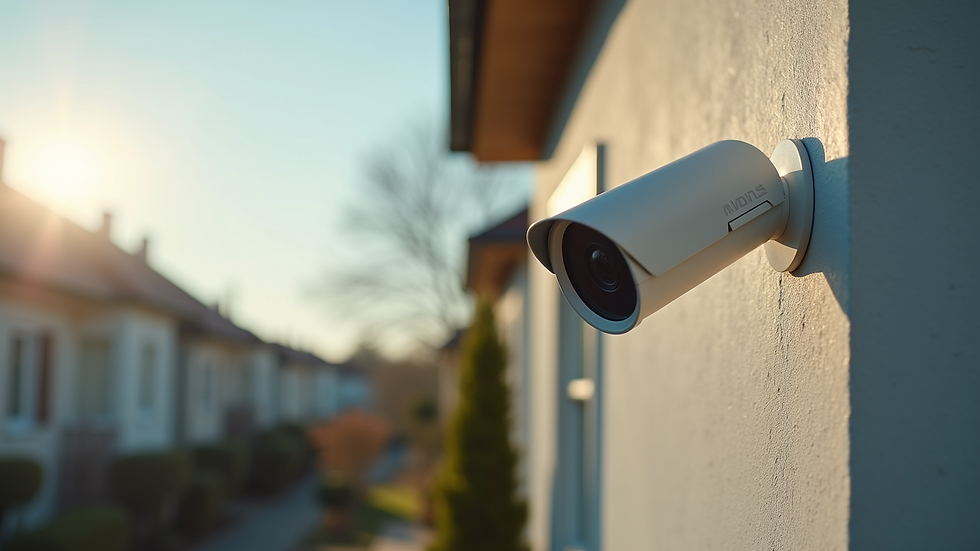
Consider the environment too. Outdoor cameras should be weatherproof and have night vision capabilities. Indoor cameras can focus more on image quality and discreet design.
Key Features to Look for in a Home Surveillance Setup
Once you know your needs, look for these essential features in your home surveillance setup:
Resolution: Higher resolution cameras provide clearer images. Aim for at least 1080p for detailed footage.
Field of View: A wider field of view covers more area, reducing the number of cameras needed.
Night Vision: Infrared or low-light cameras ensure visibility in the dark.
Motion Detection: Alerts you when movement is detected, saving storage and battery life.
Remote Access: Allows you to view live or recorded footage from your smartphone or computer.
Storage Options: Choose between cloud storage, local storage (SD cards), or a hybrid system.
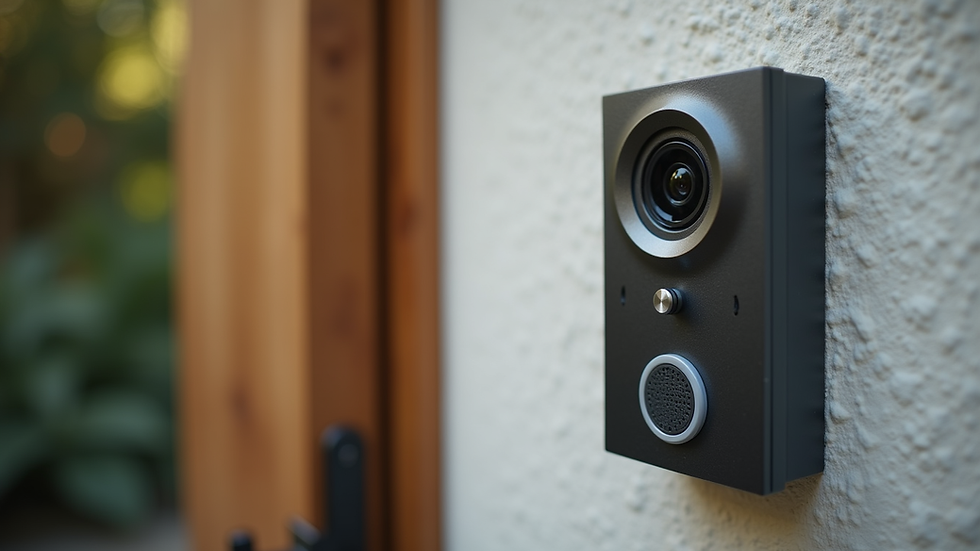
Two-Way Audio: Enables communication through the camera, useful for greeting visitors or deterring intruders.
For example, a camera with motion detection and remote access can notify you immediately if someone approaches your front door, even when you are away.
Installation Tips for an Effective Home Surveillance Setup
Installing your system correctly is just as important as choosing the right equipment. Here are some practical tips:
Position Cameras Strategically: Place cameras at main entry points like front doors, back doors, and garage entrances. Also, cover blind spots and vulnerable areas.
Height Matters: Mount cameras high enough to avoid tampering but low enough to capture clear facial features.
Avoid Obstructions: Ensure trees, walls, or other objects do not block the camera’s view.
Power Supply: Decide between wired or wireless cameras. Wired systems offer reliability, while wireless systems provide flexibility.
Test Coverage: After installation, test each camera’s coverage area and adjust angles as needed.
If you’re unsure about installation, professional help can ensure your system is set up for maximum effectiveness.

Integrating Your Home Surveillance Setup with Other Security Measures
A comprehensive security plan combines surveillance with other safety measures. Consider integrating your cameras with:
Alarm Systems: Cameras can trigger alarms when suspicious activity is detected.
Smart Locks: Control access remotely and monitor who enters your home.
Lighting: Motion-activated lights can deter intruders and improve camera visibility.
Security Monitoring Services: Professional monitoring can alert authorities if needed.
For example, linking your cameras to smart locks allows you to verify visitors before unlocking the door remotely. This integration enhances your overall security and convenience.
Maintaining Your Home Surveillance Setup for Long-Term Security
Once your system is installed, regular maintenance is key to keeping it reliable:
Clean Camera Lenses: Dirt and dust can reduce image quality.
Check Connections: Ensure wired cameras have secure connections and wireless cameras have strong signals.
Update Software: Keep firmware and apps updated to protect against vulnerabilities.
Review Footage Regularly: Check recordings to ensure cameras are functioning properly.
Replace Batteries: For wireless cameras, replace batteries as needed to avoid downtime.
Routine maintenance helps you avoid surprises and keeps your system ready to protect your home.
Taking the Next Step in Protecting Your Property
Choosing the right home security surveillance system is a smart investment in your property’s safety. By understanding your needs, selecting the right features, installing carefully, integrating with other security tools, and maintaining your setup, you create a strong defense against potential threats.
If you want a system tailored to your property and professional installation, consider reaching out to local experts who understand the unique security challenges in the greater NYC area. Your home deserves the best protection, and with the right setup, you can enjoy peace of mind every day.


Comments