
Expert Tips for Video Intercom Installation and Intercom Setup Tips

Installing a video intercom system can significantly enhance the security and convenience of your property. Whether you manage a residential building, a commercial space, or a mixed-use property, having a reliable intercom system helps you control access and communicate effectively. I want to share some expert tips that will make your video intercom installation smooth and successful. These tips are practical, easy to follow, and designed to help you avoid common pitfalls.
Essential Intercom Setup Tips for a Smooth Installation
Before you start the installation, it’s important to plan carefully. Here are some key intercom setup tips that will save you time and effort:
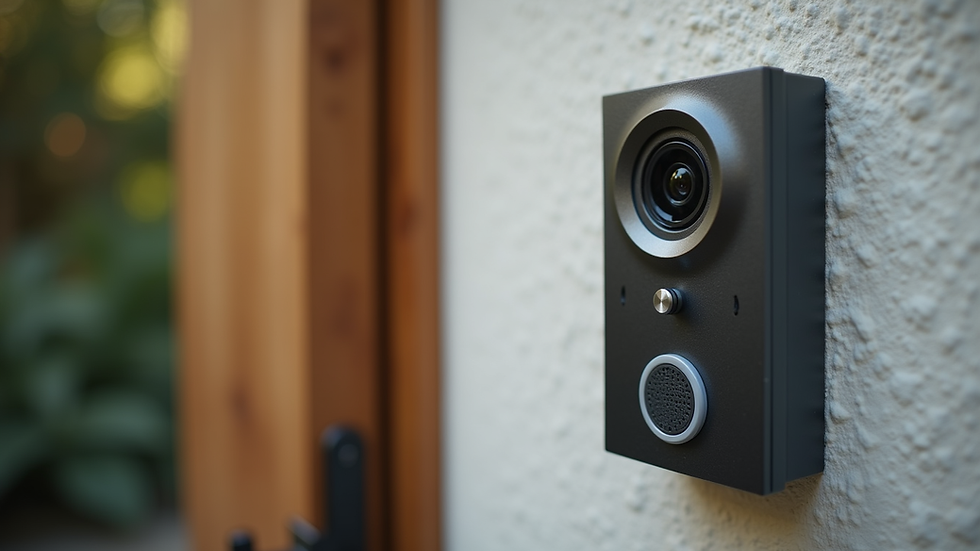
Choose the right location for the outdoor unit. Place it near the main entrance where visitors can easily reach it. Make sure it is sheltered from harsh weather but still visible.
Consider wiring routes carefully. Plan the wiring path to avoid interference from electrical cables or other devices. Use conduit pipes if necessary to protect the wires.
Check power supply requirements. Most video intercoms need a stable power source. Confirm the voltage and current specifications before connecting.
Test the system before finalizing installation. Connect all components temporarily and verify audio and video quality, as well as door release functions.
Use quality mounting hardware. Secure the units firmly to prevent damage or tampering.
Following these tips will help you avoid common mistakes and ensure your intercom system works reliably from day one.

What are the common problems with intercoms?
Even with the best intentions, intercom systems can face issues. Knowing these common problems helps you troubleshoot effectively:
Poor audio or video quality. This can be caused by weak wiring, interference, or low-quality components.
Intermittent connection or signal loss. Loose connections or damaged cables often cause this.
Power supply issues. Insufficient or unstable power can cause the system to reboot or fail.
Door release mechanism failure. Sometimes the electric strike or magnetic lock does not respond to the intercom command.
Compatibility problems. Mixing components from different manufacturers can lead to communication errors.
To avoid these problems, always use compatible parts, check wiring carefully, and perform thorough testing during installation.
Step-by-step Guide to a Successful Video Intercom Installation
Now, let’s walk through the installation process with clear steps you can follow:
Gather your tools and materials. You will need a drill, screwdrivers, wire strippers, a multimeter, mounting brackets, and the intercom kit.
Turn off power to the installation area. Safety first - always disconnect power before working with electrical wiring.
Mount the outdoor unit. Use a level to ensure it is straight. Drill holes and secure the unit with screws.
Run the wiring. Connect the outdoor unit to the indoor monitor using the recommended cable type (usually CAT5 or CAT6 for video intercoms).
Install the indoor monitor. Choose a convenient location inside the building, near a power outlet.
Connect the power supply. Follow the manufacturer’s instructions carefully.
Test the system. Check video clarity, audio quality, and door release function.
Secure all cables and tidy up. Use cable clips or conduits to keep wiring neat and protected.
If you want to learn more about video intercom installation, this step-by-step approach is a great place to start.

Tips for Maintaining Your Intercom System
Once your system is installed, regular maintenance will keep it working well for years:
Clean the camera lens and microphone regularly. Dust and dirt can reduce video and audio quality.
Inspect wiring and connections periodically. Look for signs of wear or damage.
Test the system monthly. Make sure all functions operate correctly.
Update firmware if applicable. Some modern intercoms allow software updates to improve performance.
Protect outdoor units from extreme weather. Use covers or shields if necessary.
Routine care prevents many common issues and extends the life of your investment.
Enhancing Security with Your Intercom System
A video intercom is more than just a communication tool - it’s a key part of your security strategy. Here are some ways to maximize its benefits:
Integrate with other security devices. Connect your intercom to cameras, alarms, or access control systems for comprehensive protection.
Use video recording features. Many systems allow you to record visitor footage for later review.
Train users on proper operation. Make sure everyone knows how to use the intercom to verify visitors before granting access.
Set up remote access if available. Some systems let you answer calls and unlock doors from your smartphone.
By combining these features, you create a safer environment for your property and everyone inside.
Final Thoughts on Intercom Setup and Security
Installing a video intercom system is a smart investment in safety and convenience. With careful planning, attention to detail, and regular maintenance, your system will serve you well for many years. Remember to follow the expert tips shared here, and don’t hesitate to seek professional help if needed. A well-installed intercom system not only protects your property but also provides peace of mind.
If you want to explore professional options or need assistance, companies like Yonkers Tech Inc. specialize in comprehensive security and low-voltage solutions across Westchester, NYC, and surrounding areas. They can help ensure your property is safe, secure, and connected.
Take your time, plan carefully, and enjoy the benefits of a reliable video intercom system.


Comments